
What to check when buying a used phone or laptop
Battery, screen, charger, accounts, warranty, and small defects should be checked before payment.
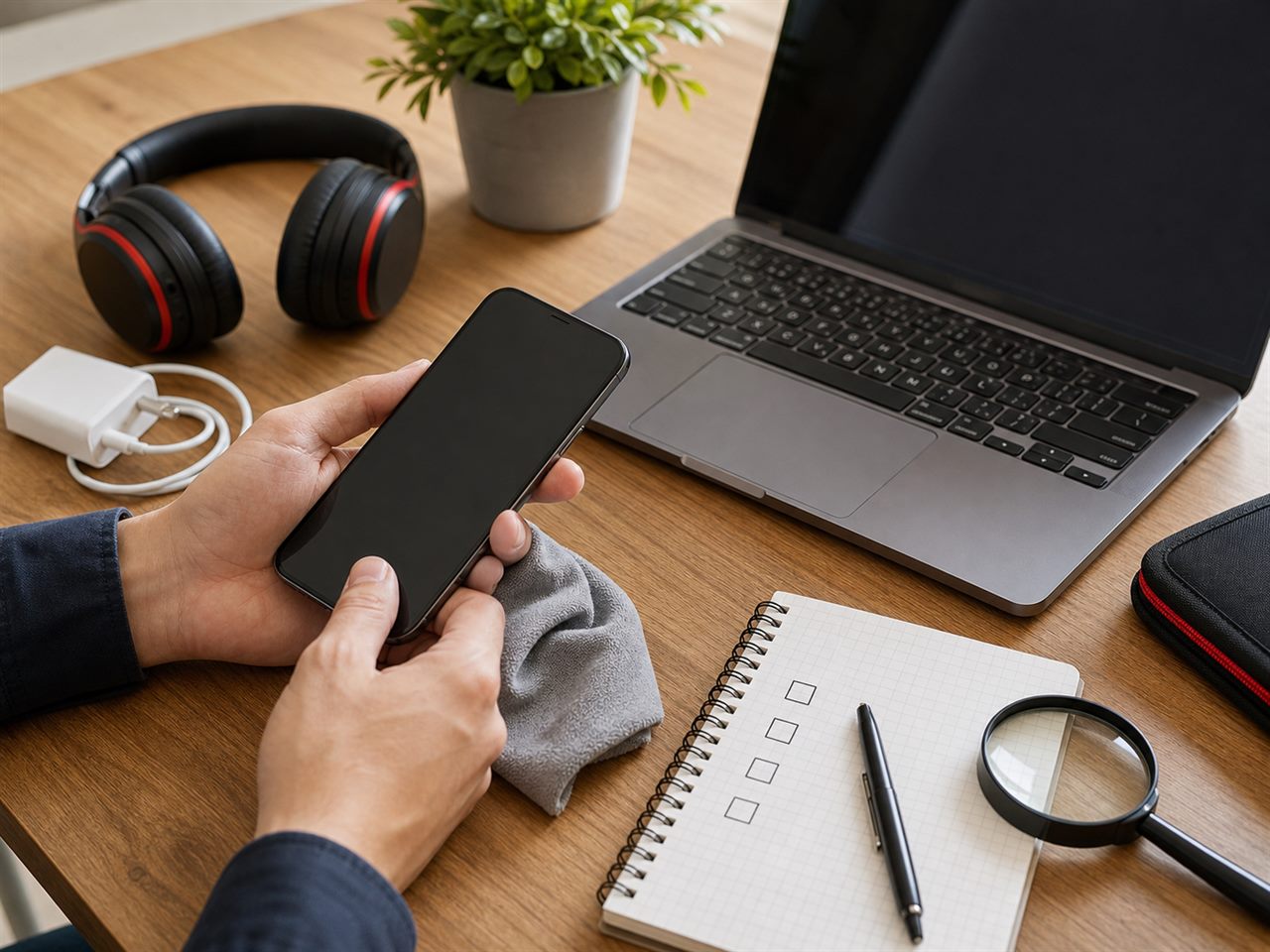
Used phones and laptops can be excellent purchases, but only when checked carefully. A device that looks good in photos may have a weak battery, replaced screen, charging issues, or a locked account.
Start with the exact model. Ask about storage, year, condition, accessories, warranty, and reason for selling. If the seller does not know the model or avoids basic questions, be careful. Asking for extra photos of the real device is normal.
Check the screen and body. Look for cracks, spots, black marks, lines, deep scratches, or loose parts. For laptops, check the lid, keyboard, touchpad, and ports. For phones, test cameras, speaker, microphone, buttons, and charging.
Battery condition matters a lot. Ask how long it lasts, whether it was replaced, and whether the device overheats. For phones that show battery health, ask to see it. For laptops, test it for a few minutes without the charger.
Make sure the device is not connected to someone else's account. A phone should be signed out of the old account and ready for activation. A laptop should start normally without unknown passwords. Do not pay for a device you cannot test.
Be careful with price. If it is far below market value, ask why. It may have no warranty, a defect, missing accessories, or unclear origin. A defect is acceptable when explained honestly; the problem is when it is hidden.
Pay only after seeing and testing the device. For valuable purchases, meet in a public place and take time to check. A 10-minute test can save a lot of money.
Start with the exact model. Ask about storage, year, condition, accessories, warranty, and reason for selling. If the seller does not know the model or avoids basic questions, be careful. Asking for extra photos of the real device is normal.
Check the screen and body. Look for cracks, spots, black marks, lines, deep scratches, or loose parts. For laptops, check the lid, keyboard, touchpad, and ports. For phones, test cameras, speaker, microphone, buttons, and charging.
Battery condition matters a lot. Ask how long it lasts, whether it was replaced, and whether the device overheats. For phones that show battery health, ask to see it. For laptops, test it for a few minutes without the charger.
Make sure the device is not connected to someone else's account. A phone should be signed out of the old account and ready for activation. A laptop should start normally without unknown passwords. Do not pay for a device you cannot test.
Be careful with price. If it is far below market value, ask why. It may have no warranty, a defect, missing accessories, or unclear origin. A defect is acceptable when explained honestly; the problem is when it is hidden.
Pay only after seeing and testing the device. For valuable purchases, meet in a public place and take time to check. A 10-minute test can save a lot of money.
electronics
phones
laptops